ePay
ePay is the payment gateway your customers' money moves through. When an organisation on Kuploy Cloud pays you for its plan, or a customer pays a Leeram Business invoice online, the charge runs on ePay: it shows the checkout, talks to the mobile-money or card provider, and tells your deployment how it went.
You never buy ePay as a line item, and there is nothing to sign up for. It comes with the products that take payments, on the plans that include them.
This section covers what you live with as an operator. ePay's own reference — its API, provider onboarding, and the console — lives at docs.epay.kuploy.app, and this section links to it rather than restating it.
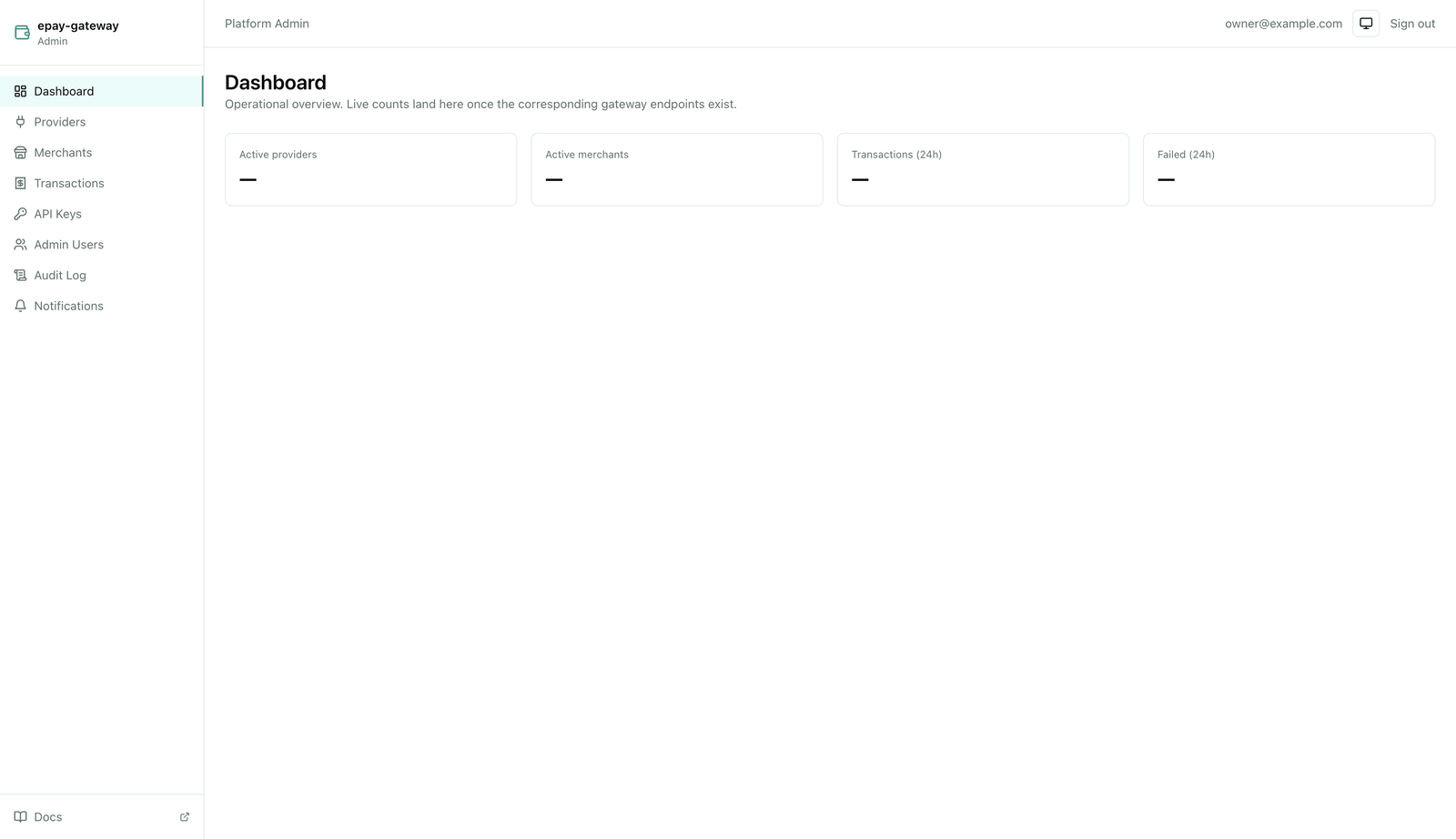
How you get a merchant
A merchant is your identity on ePay: the account a charge settles to. You don't create one by hand — kuploy.app provisions it on your deployment's next licence sync, once two things are true:
- Your plan includes online payments. On Kuploy Cloud that is the Business plan and above; on Leeram Business it is Studio and above. See Plans & the two layers.
- You asked for it. On Kuploy Cloud, turn on managed mode at Admin → Payment Gateway. On Leeram Business, the merchant that collects your subscription revenue is requested for you.
The same goes for an organisation's own merchant — the one that collects payments made to that organisation rather than to you. It is provisioned when the organisation turns payments on: on Kuploy Cloud by adding a Payment Gateway service to a project, on Leeram Business under Settings → Payments.
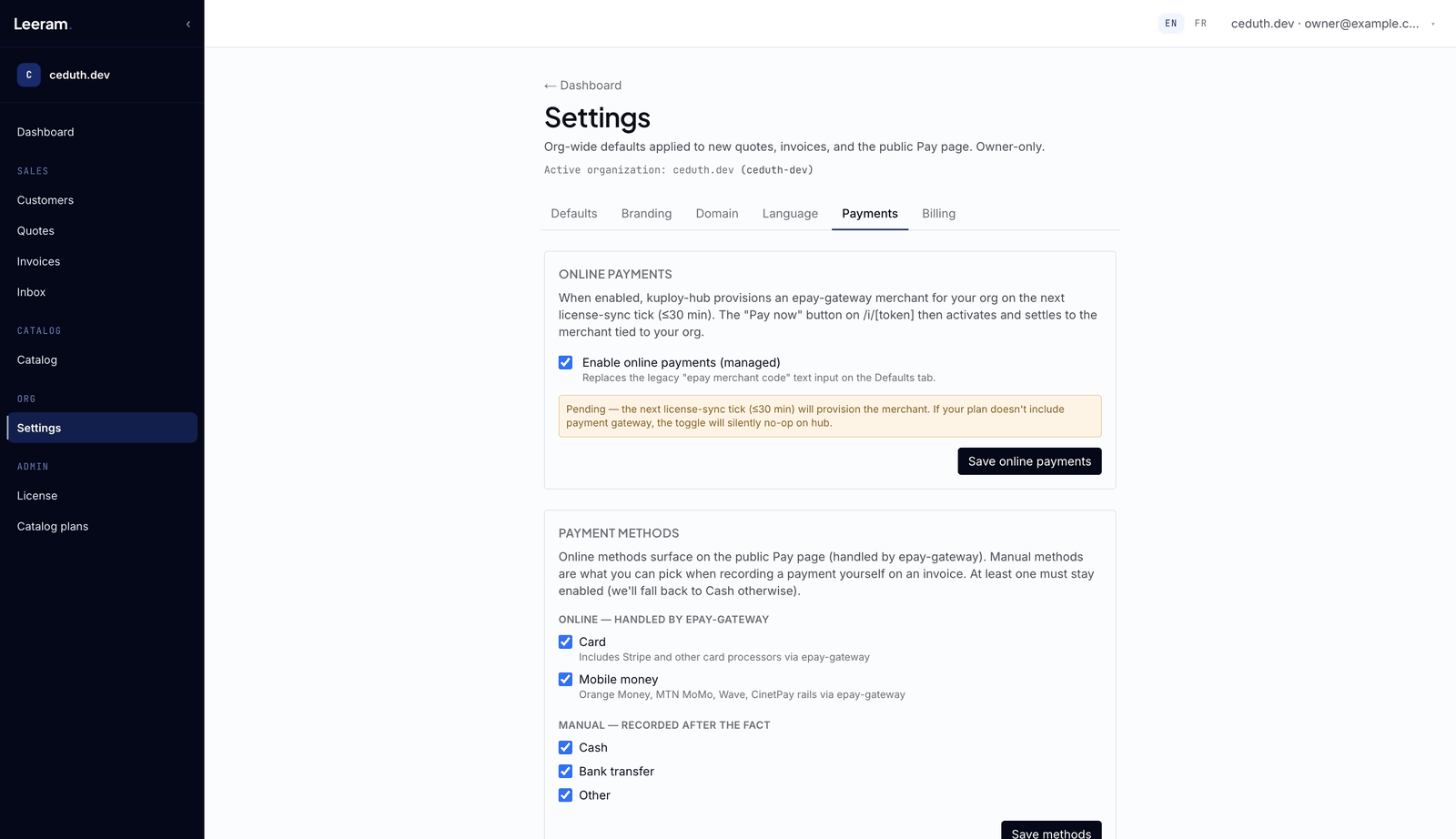
Because provisioning rides the licence sync, it is not instant. Kuploy Cloud
syncs hourly, or straight away when you click Retry Sync on the Admin
dashboard; Leeram Business syncs every 30 minutes, or when you click
Force sync on /admin/license.
When a merchant is declined
If kuploy.app can't provision a merchant it says why, instead of leaving you waiting:
| What you see | What it means | What to do |
|---|---|---|
| Your plan does not include the payment gateway feature | Your plan on kuploy.app doesn't include online payments. | Upgrade the plan for that product. |
| kuploy.app's payment gateway provisioning is not yet configured | The platform side isn't ready. Nothing on your deployment is wrong. | Contact Kuploy. |
| Managed payment access has been suspended | Kuploy has suspended managed payments for your account. | Contact support. |
| Provisioning failed | A transient failure. Kuploy has been notified. | Try again shortly; contact support if it persists. |
Where it shows: on Kuploy Cloud, under the Pending sync state on
Admin → Payment Gateway; on Leeram Business, as Last decline in the
Tenant revenue merchant panel of /admin/license.
In this section
- Rails, countries & currencies — why a plan must be priced in a currency your rail settles.
- What your customers see — the checkout, from choosing a method to the receipt.
- Where the money lands — whose merchant a payment settles to, and how your deployment is told.